
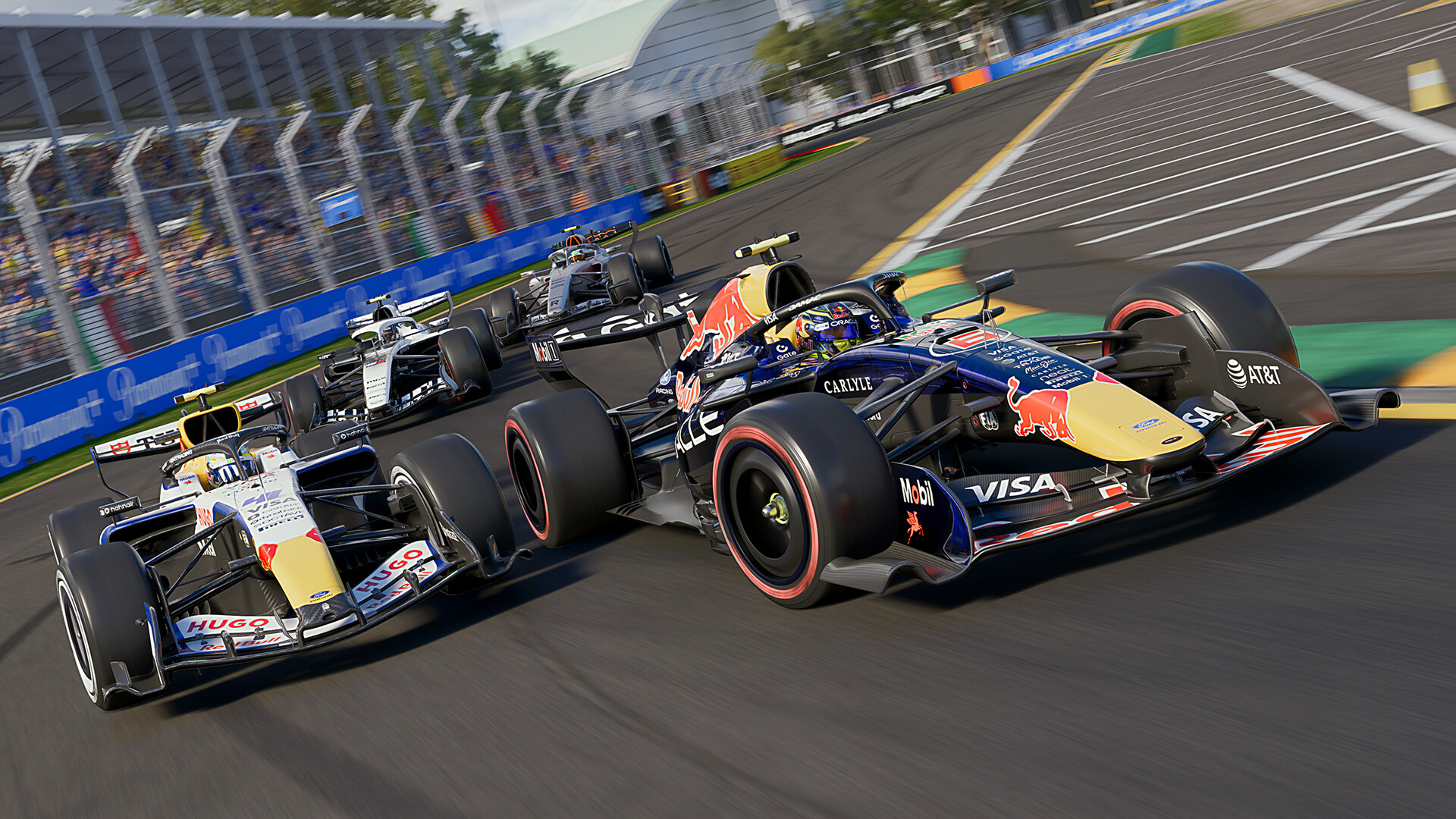

A free weekend is usually just a promotional stunt. This one is different. F1 25 is available to play for free on Steam and Xbox Series X|S through Monday, just a few days after the 1.25 update. But this 1.25 update has focused primarily on what matters most to a well-equipped sim racer: hardware support and car handling. So this trial is less of a demo and more of a test bed for your own setup.
Four days to test the current version
Access opened on Thursday, September 10, at midnight on Xbox and at 7:00 p.m. on PC (Paris time), and closed on Monday, September 14 (10:00 p.m. on Xbox, 7:00 p.m. on Steam). You’ll get the current version—the2026 Season Edition—not the launch game: Audi and Cadillac teams, the MADRING track, and the full 2026 F2 championship added in Update 1.25. Progress is saved if you buy the game later, which gives you time to complete a full session rather than just a demo lap. That’s the setup. The real appeal lies elsewhere.
The Heart of Version 1.25: Hardware Support
This is the most comprehensive chapter in this release. The SIMAGIC ecosystem now has expanded official support: P500 and P700 pedal sets, the Neo X Hub, and Zeus Formula, Zeus GT, and Zeus Sport steering wheels—plus updated control schematics for existing SIMAGIC hardware.
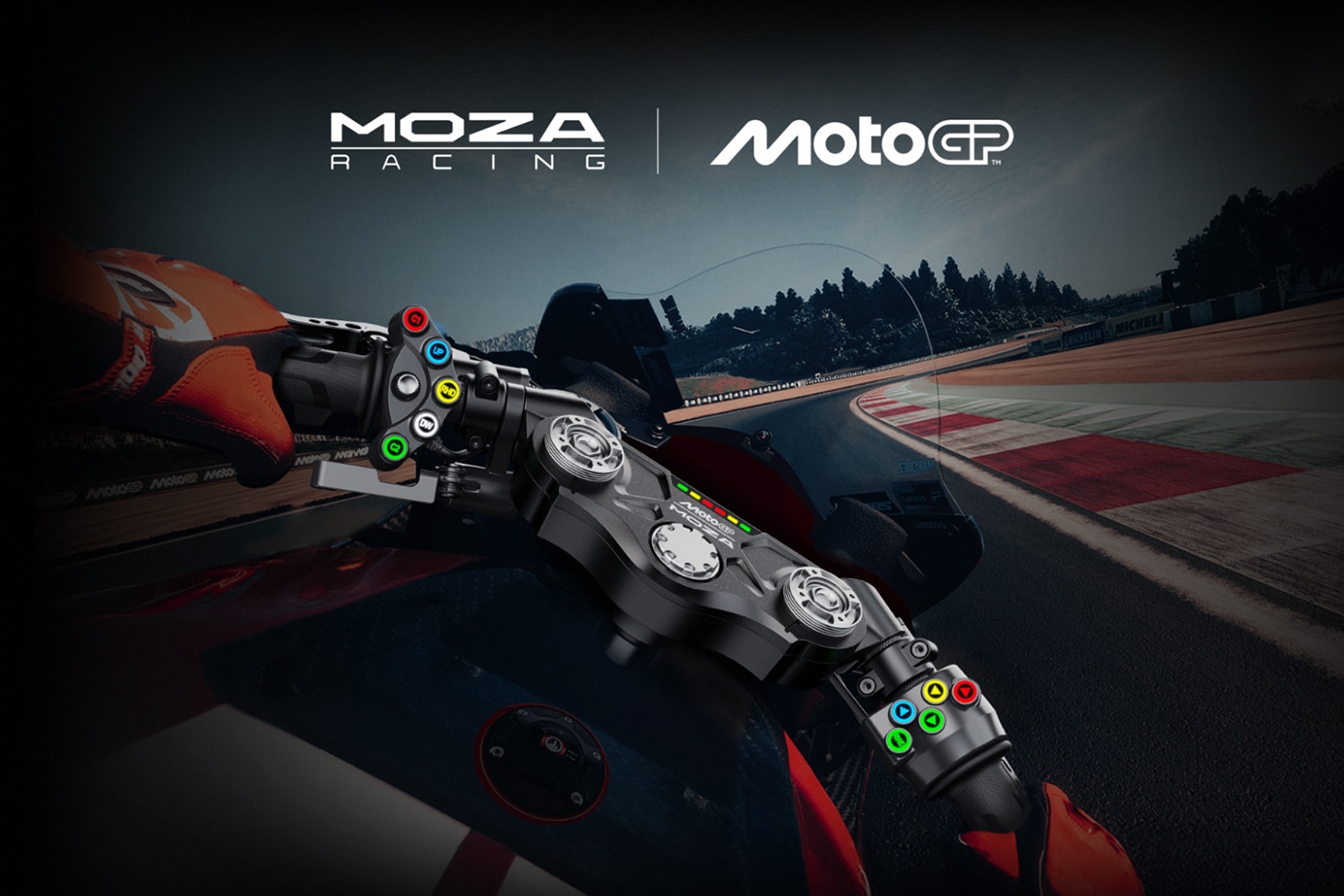
This is particularly relevant for setups that combine multiple brands: Codemasters has fixed an instability issue that affected installations running a base Simucube and devices MOZA at the same time. This is a common issue on high-end rigs, and the kind of software conflict that can ruin a gaming session. Two fixes round out the package: a bug where certain force feedback calls were capping the frame rate, and improved synchronization between the steering wheel’s angle and the game’s physical response during rapid direction changes. Nothing spectacular on paper, but it’s precisely these details that matter on a serious setup.
On the track, setups tuned for 2026
Update 1.25 also affects the handling of the 2026 single-seaters. Straight Mode and DRS now activate only when the throttle is open more than 90 percent: they no longer remain open when the driver significantly lifts off the throttle, which more closely aligns with the actual regulations. In the rain, Boost Mode becomes available, with its deployment intentionally limited.
One subtle change is worth noting: the timing of the “Overtake Enabled” message from race control has been adjusted, and—most importantly—it is now included in the UDP data stream. In practice, telemetry software and remote displays—or those integrated into the steering wheel—can now finally read this information in real time. For drivers without an on-screen HUD, this is an added convenience.
More than just a demo—it’s a test bed
That’s where this weekend really comes into its own. Between the end of the frame rate drops caused by force feedback, the Simucube and MOZA setup finally running smoothly together, and the revised 2026 settings, version 1.25 gives you real reasons to hook up your own setup and see how it performs on the current version. Four days, no money spent, and enough time to get a clear idea before buying. For a sim racer who’s already set up, it’s hard to find a better opportunity to test their setup.


0 Comments