
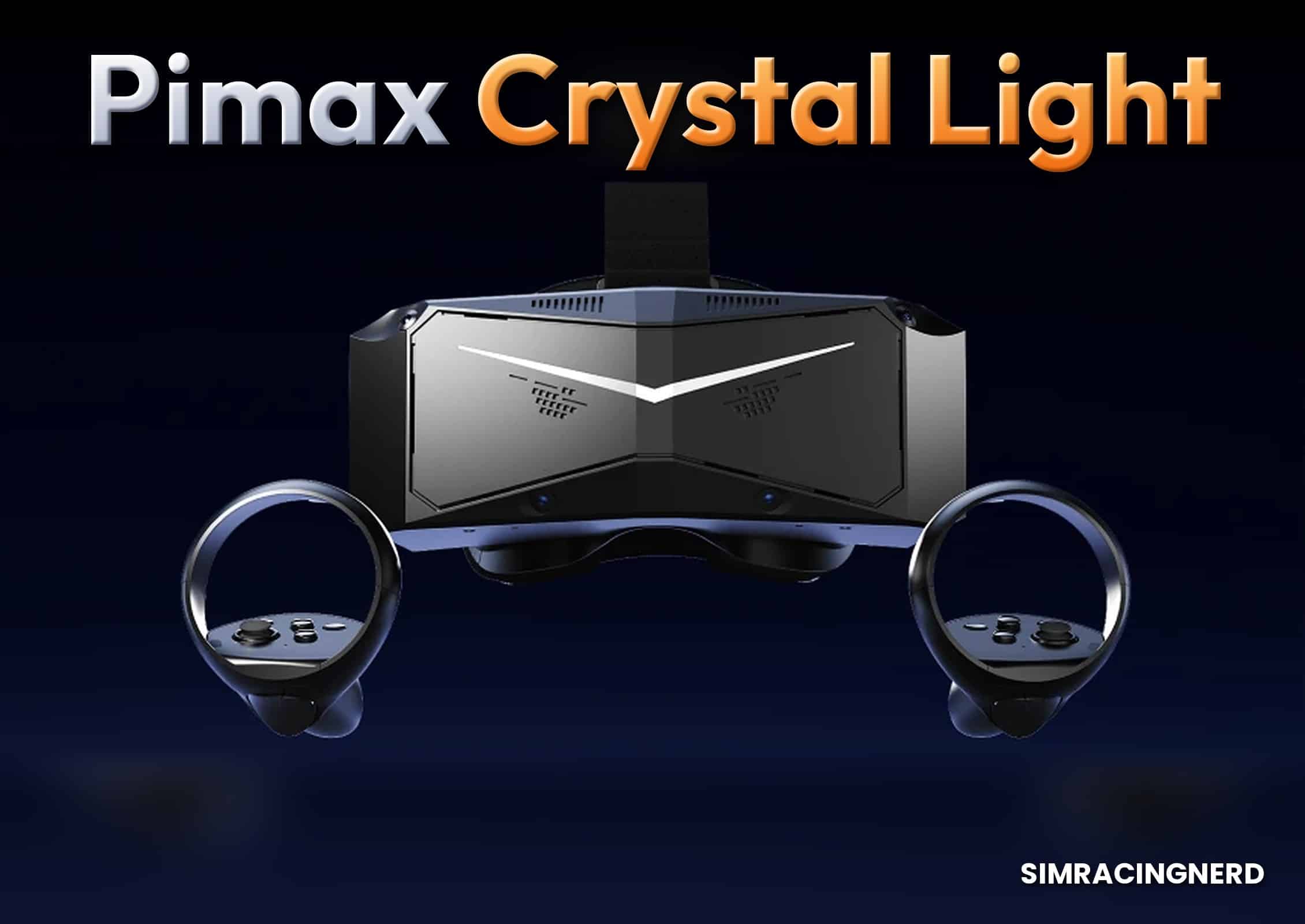

The Pimax Crystal Light in a Nutshell
Advantages & Disadvantages
✅ Readable counters and markers at full speed
✅ 35 pixels per degree for approximately €1,025
✅ Up to 120 Hz in light simulations
✅ Useful local dimming at night
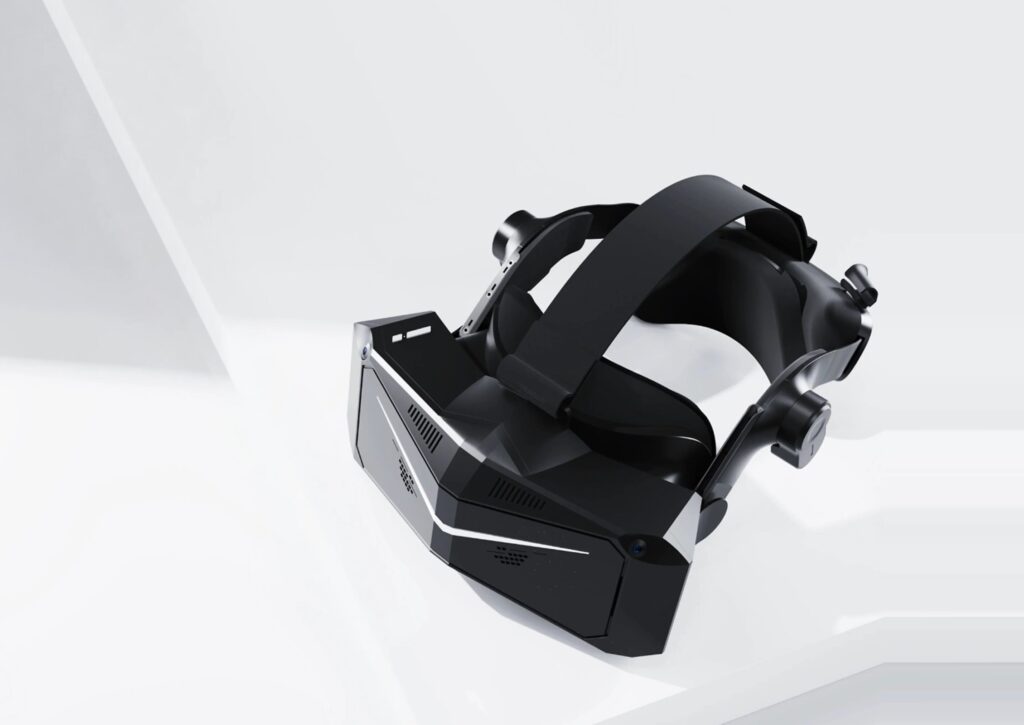
❌ Weighs over 900 g with the head strap, front-mounted
❌ Requires an RTX 4070-class graphics card
❌ Settings must be adjusted for each simulation
❌ Field of view is merely average
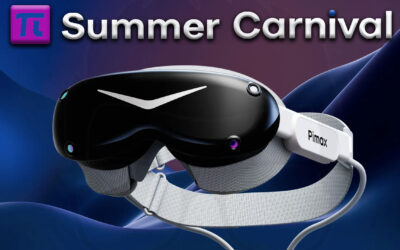
The Pimax Crystal Light is the VR headset of choice for PC sim racers who want a crystal-clear image without paying the price of high-end headsets. It falls between the Meta Quest 3—which is less expensive and also works without a PC—and much lighter but more expensive headsets like the Bigscreen Beyond 2. Pimax sells it for €853 (excluding tax ) on its official store, which comes to about €1,025 with 20% VAT, not including shipping, but with controllers included.
When it comes to car simulations, the Pimax Crystal Light is truly impressive. The image is so sharp that you can read the information on the steering wheel display while keeping the track in your field of vision. On the downside, you have to put up with its weight—especially at the front of the headset—and have a graphics card powerful enough to get the most out of it. The choice of game also makes a real difference. With the same setup, Automobilista 2 runs without too much trouble, while Assetto Corsa Competizione (ACC), which is significantly more resource-intensive, requires you to lower your expectations regarding refresh rate.
What His Image Is Worth on the Track
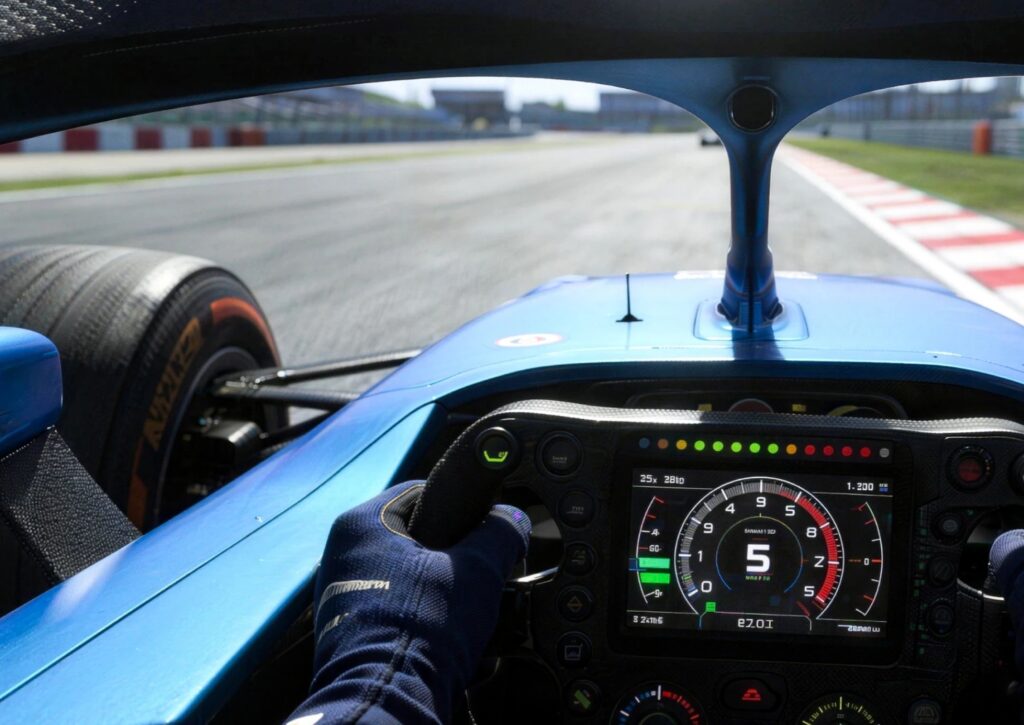
Its reputation stems from the density of its image, and for me, that’s the best reason to choose it. It displays 35 pixels per degree—that is, 35 pixels for every degree of your field of view. While driving, you can take in the information on the steering wheel display, the brake force distribution value, and the gauges at a glance, without having to lean forward.
Compared to a Quest 3, the difference is most noticeable at a distance. The Meta headset makes distant objects look pixelated and flickering, and over time, this strains the eyes. The Crystal Light, on the other hand, maintains a sharp and stable image. Its connection also helps: the image comes directly from the graphics card via a DisplayPort cable, without the encoding or compression involved in Quest streaming.
If you’re coming from a screen, it’s your driving style that changes. You turn your head toward the apex, then toward the exit, and you see the car driving side by side with you. With the sense of depth, the car also appears at its actual size, and you no longer judge distances and speed in the same way. All VR headsets give you this sensation. What makes this one special is that it gives you that sensation without preventing you from reading the information.
The Mini-LED-backlit QLED screen makes a difference, and you’ll notice it most at night. Its local dimming, divided into 576 zones per eye, dims the light in the dark areas of the image, resulting in deep blacks during a nighttime race. But it’s not an OLED—Pimax says so itself—and depending on the scene, the effect can sometimes make the image a little too dark.
There are also some downsides, starting with the graphics settings. If you’re coming from a single monitor, expect to have to lower them significantly in iRacing compared to your monitor to maintain a smooth frame rate. The field of view—110° horizontally—is average, and you don’t see any more to the sides than you would with a Quest 3.
Main features and technical specifications of the VR headset
| Characteristic | Value |
|---|---|
| Display | QLED with Mini-LED backlighting, local dimming across 576 zones per eye |
| Resolution | 2880 × 2880 pixels per eye |
| Pixel Density | 35 pixels per degree |
| Refresh rate | up to 120 Hz |
| Advertised field of view | 110° horizontally |
| Optics | Aspheric glass lenses, adjustable interpupillary distance from 58 to 72 mm |
| Foveal rendering | fixed, without eye tracking |
| Tracking | 4-camera inside-out tracking; optional Lighthouse front-facing camera depending on serial number |
| PC Connection | 5-meter DisplayPort 1.4a and USB 3.0 cable, AC power supply |
| Weight | 815 g for the headset only |
| Compatibility | PCs running Windows 10 or 11, SteamVR, and OpenXR via Pimax Play |
| In the box | headset, two controllers, 5-meter cable, AC adapter |
Design and comfort: over 900 g to distribute evenly
When it comes to comfort, you quickly start to feel the weight. The helmet weighs 815 g on its own, and exceeds 900 g once the strap is attached. Most of the weight is concentrated at the front, which is noticeable when you turn your head quickly: the helmet tends to shift. The fit at the back is good and keeps you comfortable throughout an entire run. For long sessions, however, I strongly recommend distributing the weight more evenly, either with Pimax’s top strap or a small counterweight at the back.
Also, be sure to measure your interpupillary distance before adjusting the dial, which covers a range of 58 to 72 mm and retains the selected setting. Positioning the headset requires a bit of care: unlike the Quest 3, it sometimes takes a bit more trial and error to get a perfectly clear image. The headset is comfortable enough to wear, but the pressure eventually becomes noticeable after a few hours.
Setting up in the cockpit and adjusting settings in Pimax Play
Getting started is pretty simple. Before plugging in the headset, be sure to update your graphics drivers and Pimax Play. The software will then prompt you to install the latest firmware. It includes its own OpenXR runtime, which means you don’t need SteamVR. You can also save different settings for each game, which is quite useful: the iRacing setup requires a few adjustments at first, while ACC needs some fine-tuning to achieve a sharp image.
Once you’re seated in the cockpit, take the time to route the 5-meter cable along the chassis so it doesn’t get in your way. Also check the shape of your bucket seat: with some wraparound headrests, the back of your helmet may bump against the seat.
If you’re also using a triple-monitor setup, there’s no need to unplug everything. However, make sure to disable the two additional monitors in Windows Display Settings. Otherwise, the headset may repeatedly disconnect. Another thing to keep in mind if your cockpit is lit by dimmable spotlights: adjusting the lighting frequency in Pimax Play can improve tracking stability.
Finally, don’t rely too much on the built-in speakers, which lack power. A standard headphone with a headband is also impractical with the Pimax’s strap. The simplest option is to use wired earbuds plugged into the headphone jack.
What It Requires from Your PC, Game by Game
It only works on a PC running Windows 10 or 11, so not on PS5 or Xbox. As a minimum requirement, I’d go with Pimax’s recommended specs: an RTX 3080 or 4070 graphics card, at least a 12th-generation Core i5 processor, and a DisplayPort 1.4a output.
With a graphics card in this tier, iRacing can run at the headset’s maximum refresh rate of 120 Hz, and AMS2 runs smoothly, but ACC—the most resource-intensive sim—only runs at a reduced frame rate and medium detail settings. For ACC on medium to high settings, you’ll want to aim for a recent graphics card in the RTX 5070 Ti class. To get started, I recommend 90 Hz, and if you’re upgrading your graphics card, my guide to the best graphics cards for sim racing will help you choose.
Compared to the Quest 3 and the Beyond 2
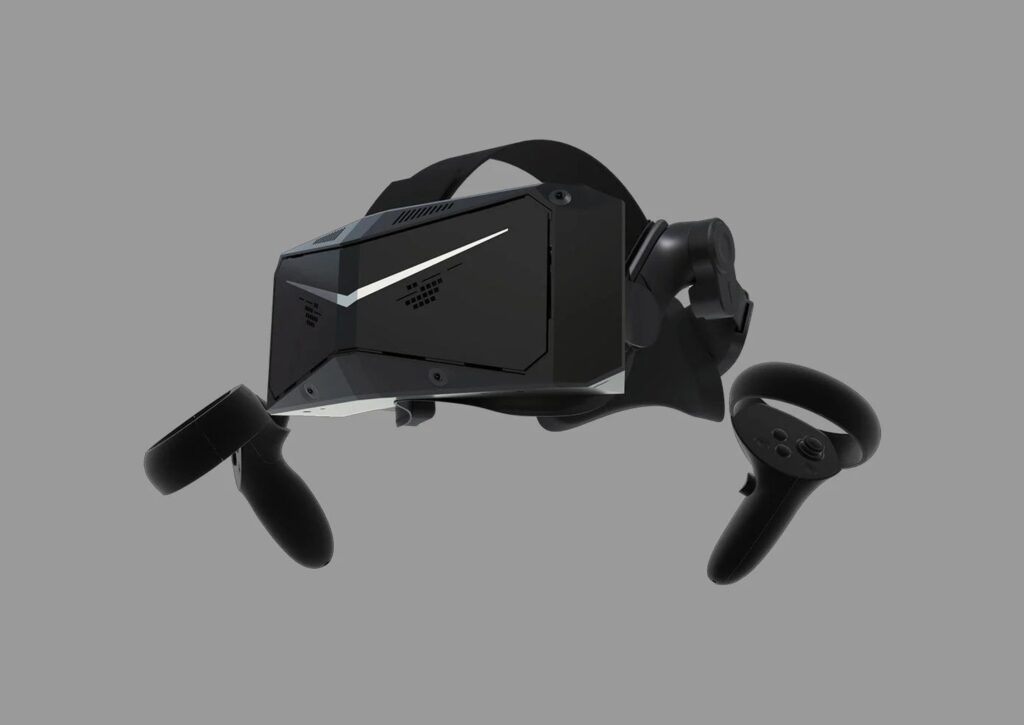
The Meta Quest 3 is significantly cheaper, works without a PC, is wireless, and weighs less. However, its display resolution is lower (25 pixels per degree) and it relies on streaming. Its battery lasts just over two hours, which limits extended wireless use, so I’d recommend it only for those on a tight budget or who prefer wireless.
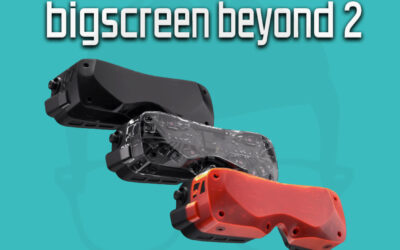
The Bigscreen Beyond 2 costs more than €200 extra, including tax, even before you buy its base stations. More than seven times lighter, with a micro-OLED screen, it only displays its full resolution at 75 Hz and doesn’t accommodate glasses. It’s the right choice if weight is a concern and you already have base stations. From Pimax, the Dream Air SE—still available for pre-order—also prioritizes lightness, though with a less sharp image.
Its price, and what to check upon delivery
In the official store, you pay for the headset in a single payment, with no subscription, and sales tax is added to the total. Upon delivery, check that both eyes see equally clearly and that the images are properly aligned, as optical quality may vary from one unit to another, and keep the box for the duration of the return period. The warranty lasts 12 months and includes a replacement, shipping included, in the event of a defect.
My verdict on the Pimax Crystal Light
If you play on a PC and your priority is to make out the details of the steering wheel and the track in the distance, the Pimax Crystal Light definitely deserves a spot on your list. Provided, of course, that you have a graphics card powerful enough to take full advantage of it. To get even sharper image quality with Pimax, you’ll need to upgrade to the Crystal Super—but that’s in a whole different price range. The main reasons I’m not giving it the top rating are its weight, its hardware requirements, and the time spent tweaking settings for each game.
On the other hand, if you’re looking for a more affordable, wireless, or lighter headset, you’re better off choosing one of the models listed above or checking out my ranking of the best VR headsets for sim racing. And if your graphics card doesn’t meet Pimax’s recommendations, start by considering an upgrade: without the necessary processing power, you might not be able to fully enjoy the image clarity that makes this headset so appealing.
If your setup works and the weight doesn’t bother you, the Crystal Light remains an excellent choice for car simulation. Just make sure to find a way to improve its fit during long sessions, and take the time to check the headset and its functionality as soon as you receive it.
0 Comments